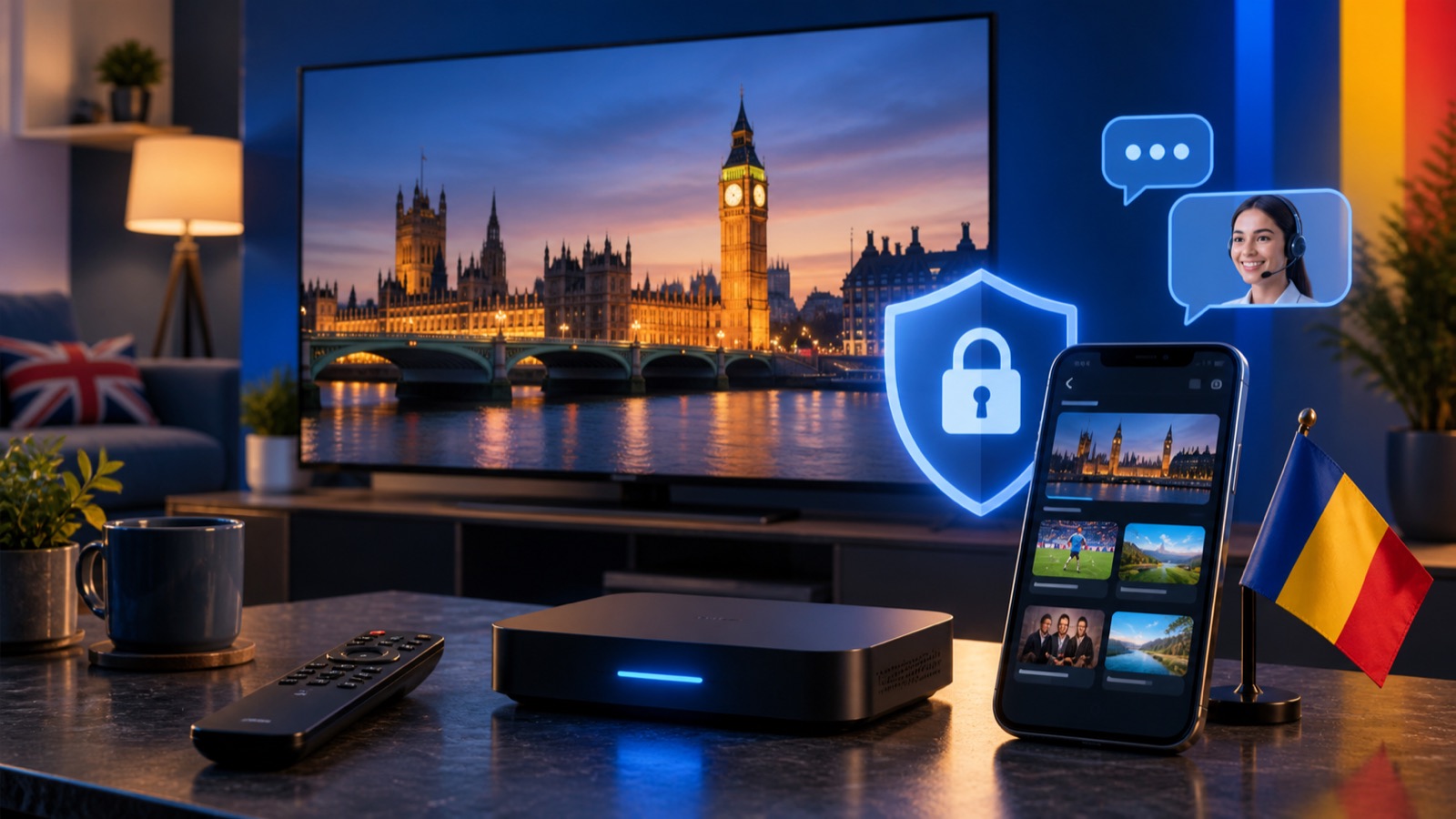
A Safe IPTV Subscription Setup Checklist
Keep account credentials private, use supported apps and follow a clear setup process across Firestick, television and mobile devices.
A tidy setup is easier to support and helps protect your subscription details. Use this checklist when activating a new device or helping a family member.
Download apps from trusted sources
Use the official device app store whenever possible. For Firestick installation, follow the verified Downloader code in our guide rather than copying codes from unknown websites.
Keep credentials private
Treat the username, password and host like account credentials. Do not post screenshots publicly or share them in social media groups. Each simultaneous subscription should be used only by the intended household.
Copy values exactly
Usernames and passwords are case-sensitive. Copy and paste them without leading or trailing spaces. Include http:// in the host address when the player requires the complete URL.
Save the activation email
The activation email contains the primary host, alternative hosts and every login purchased. Store it securely so you do not need to request the same details repeatedly.
Use the right number of logins
One subscription can be installed on up to three devices but plays on one at a time. Two or three simultaneous screens need two or three separate subscriptions and login sets.
Ask support before resetting
Clearing app data or factory-resetting a device can remove saved settings. Contact support first if you are unsure. Support is available in English and Romanian using translation, with basic English recommended for the quickest technical assistance.
Follow the complete installation guide, review the FAQs, or select a subscription.