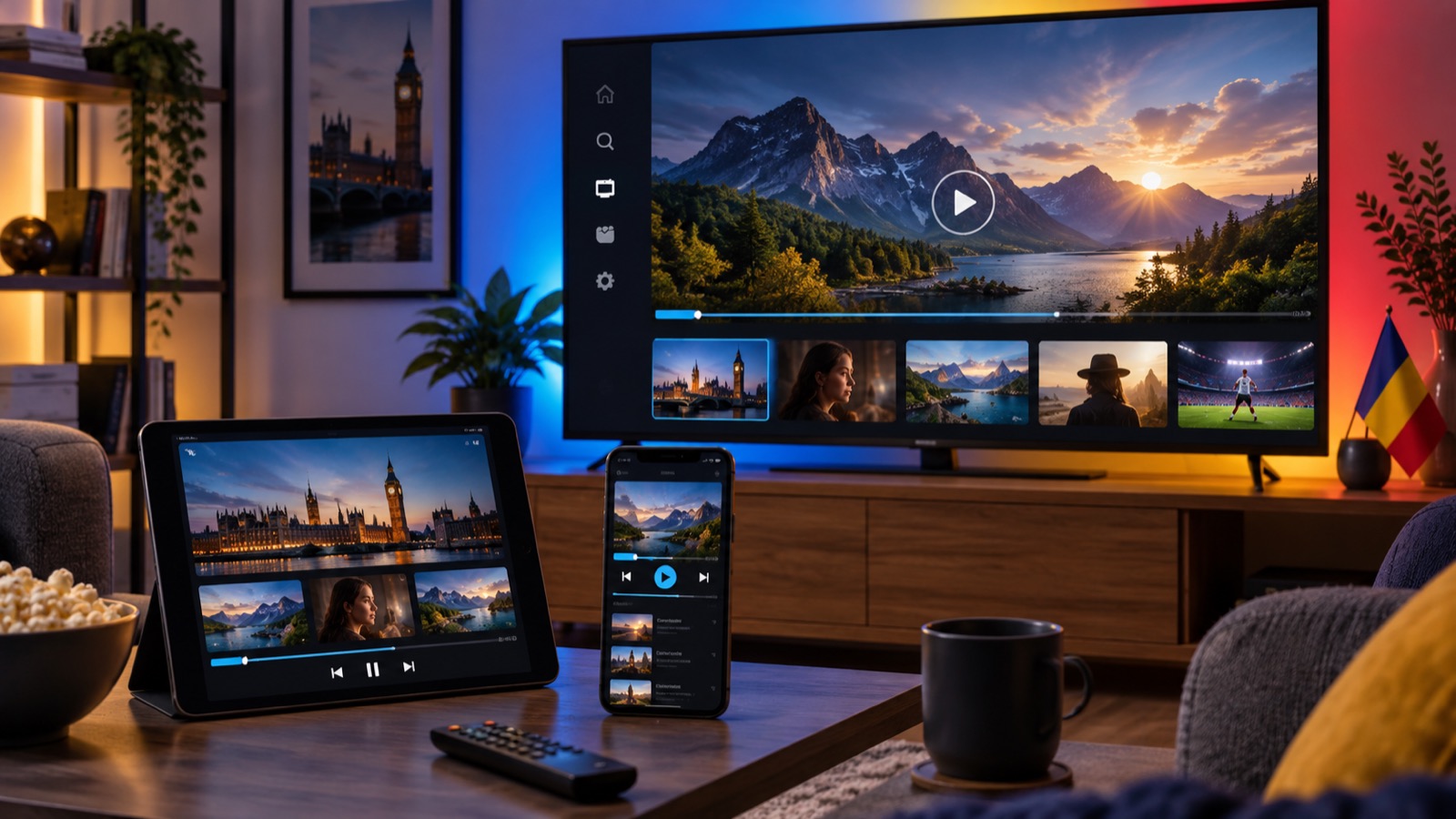
How to Set Up IPTV on iPhone and iPad
A simple guide to installing IBO Player Pro, adding your playlist and improving playback on iPhone and iPad.
An iPhone or iPad is a convenient way to use your subscription away from the main television while you are at home or travelling within the UK.
Download the recommended player
Open the App Store and search for IBO Player Pro by Zonepay LTD. Install the app, open it, and create an account if prompted. Do not download similarly named apps from links outside the App Store.
Add the playlist
Use the M3U or login details provided in your activation email. Copy and paste each value to avoid typing errors. If the app provides an account email, MAC Address, or Device Key, send the requested information to support so the playlist can be connected.
Best settings for iOS and iPadOS
- Keep the operating system and player updated.
- Allow local network access if you want to cast within your home.
- Use Wi-Fi for long viewing sessions to reduce mobile-data use.
- Turn off Low Power Mode if it interrupts background loading.
Watching on more than one screen
You can install one subscription on up to three personal devices, but only one can play at a time. Stop playback on the first device before starting on another. For simultaneous viewing, select two or three subscriptions at checkout.
If login fails
Check for spaces before or after the username and password, confirm the host address starts with http://, and try the alternative host supplied in the email. Contact support if the problem continues rather than repeatedly changing settings.
You can find instructions for televisions and streaming boxes in our complete installation guide, or compare subscription plans.