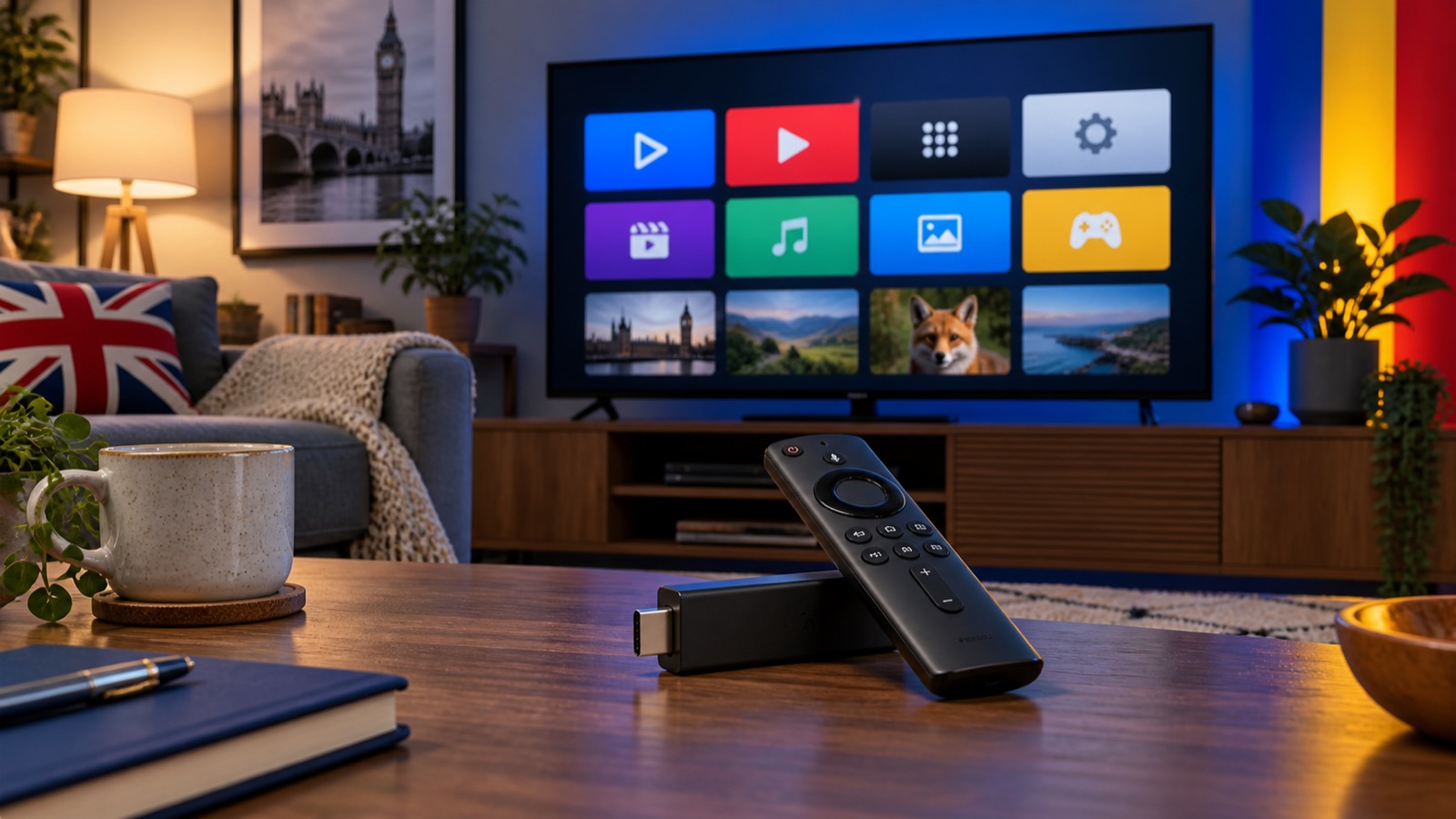
How to Install IPTV on Firestick in the UK
A clear Firestick setup guide using Downloader and IBO Player, with the same tested steps as our installation guide.
Setting up IPTV on an Amazon Firestick is straightforward when you use the correct app and follow the steps in order. This guide matches the Firestick process in our main installation guide.
What you need
- An Amazon Firestick connected to your television and Wi-Fi
- Your IPTV subscription details
- Around five minutes for installation
Step 1: install Downloader
From the Firestick home screen, open Find, select Search, and type Downloader. Select the Downloader app and install it. The first time it opens, accept the normal permissions so it can download the player.
Step 2: enter the installation code
Open Downloader, place the cursor in the URL/code field and enter 481220. Select Go. Wait for the IBO Player installation file to finish downloading.
Step 3: install IBO Player
When the Firestick asks for confirmation, choose Install. After installation, select Done, then remove the downloaded installation file if Downloader offers that option. This saves space on your Firestick.
Step 4: send your device details
Open IBO Player. Its welcome screen displays a MAC Address and Device Key. Send both details to our team on WhatsApp. We will connect the playlist to your device.
If the app does not install
Open Firestick Settings, choose My Fire TV, then Developer Options. Allow installation for Downloader and try the code again. Menu names can vary slightly between Fire OS versions.
Improve playback
Use a 5 GHz Wi-Fi connection when the router is nearby, close unused apps, and restart the Firestick occasionally. For more help, see our buffering guide.
Ready to get connected? Choose your subscription or view setup instructions for every supported device in our installation guide.